


Mobile Support
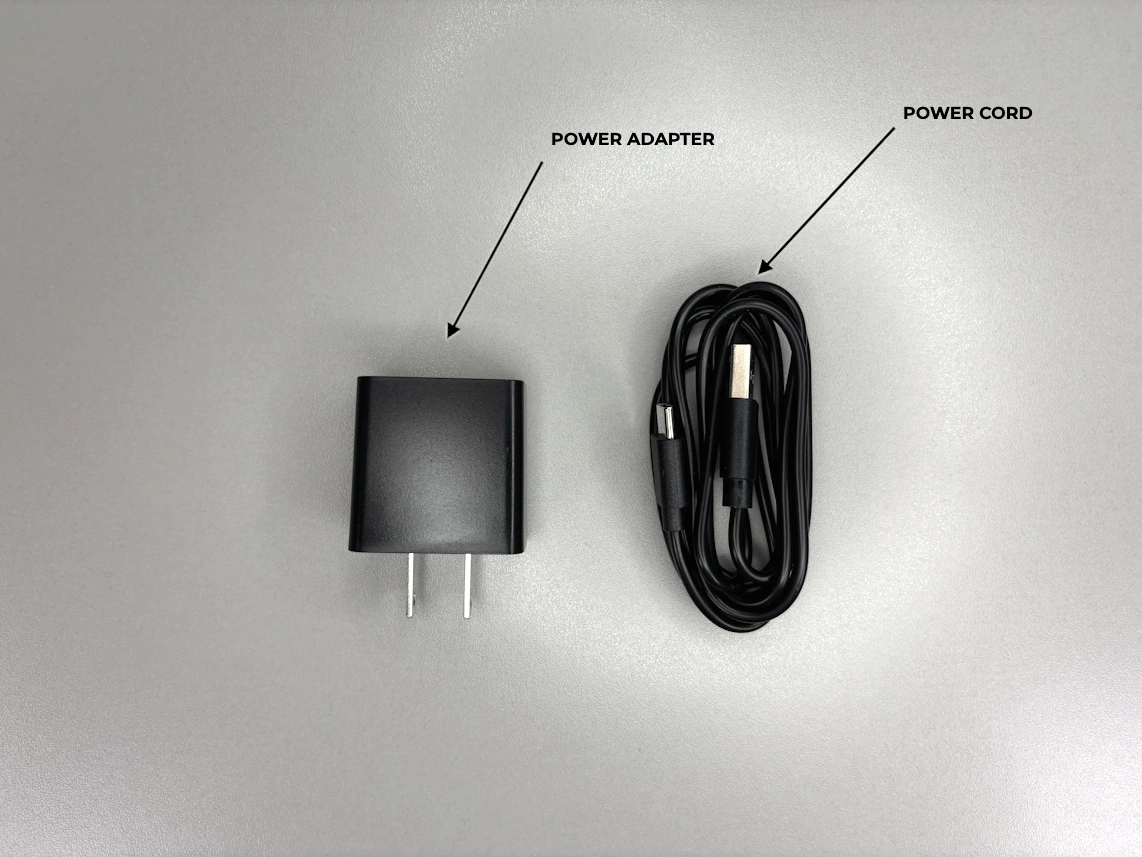
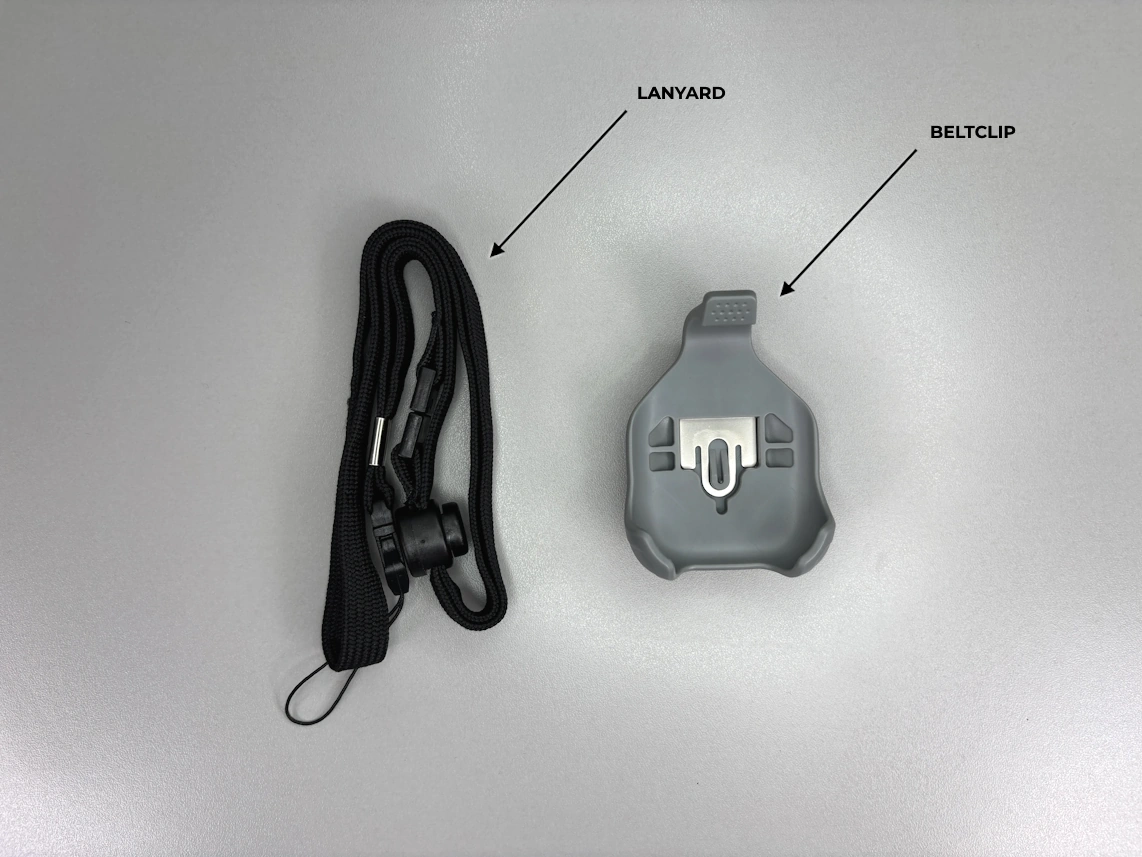
Setup And Support Videos
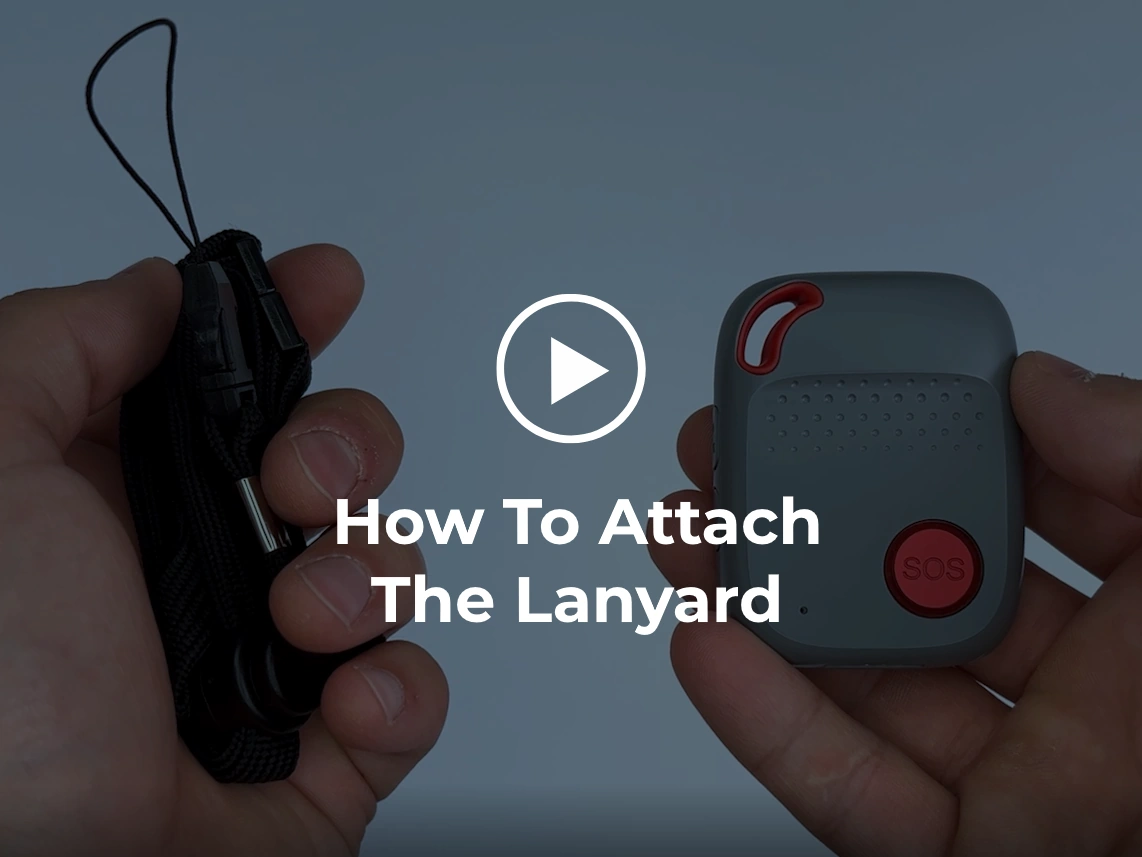 How To Attach The Lanyard
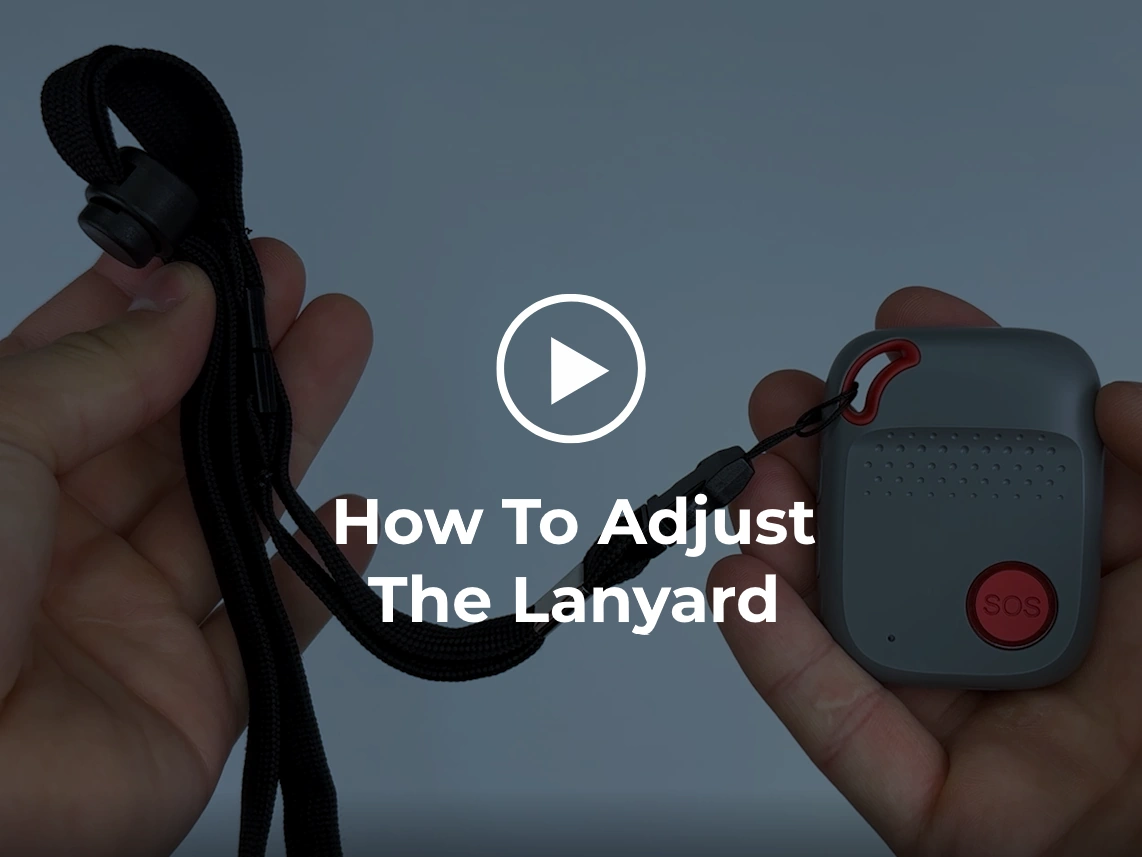 How To Adjust The Lanyard
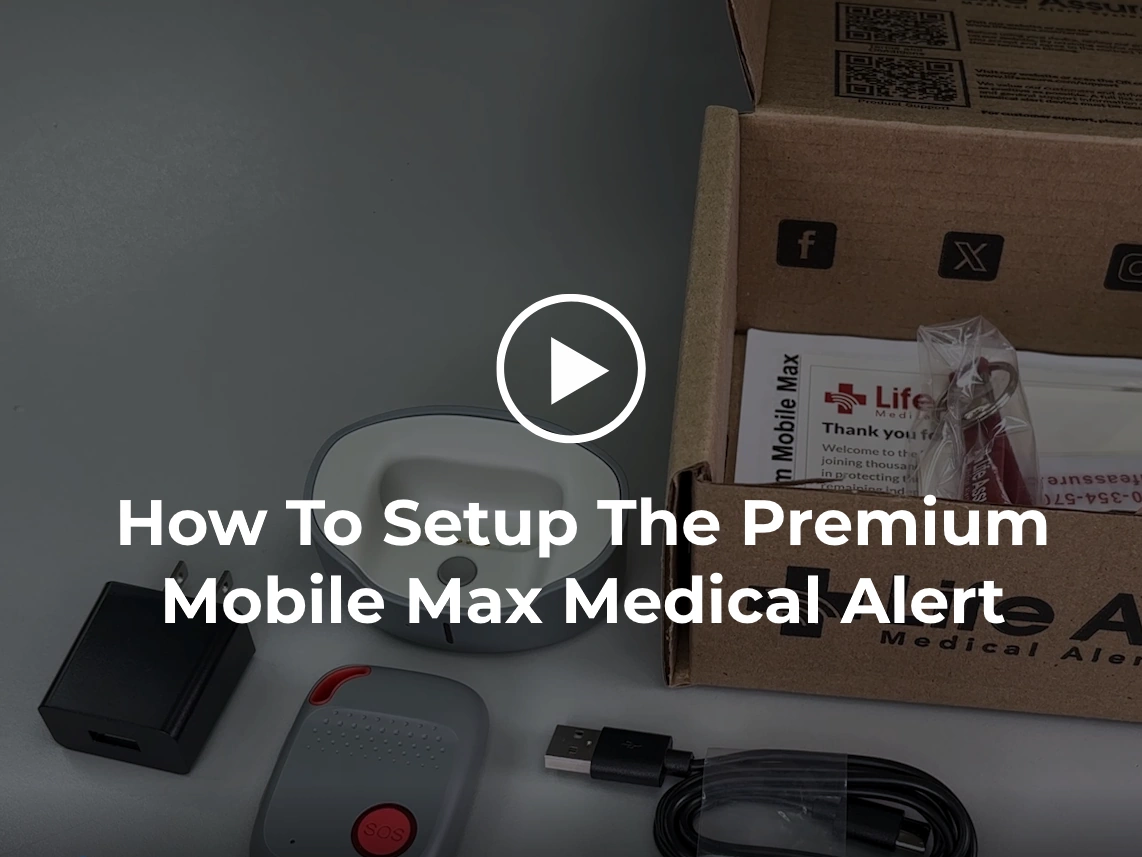 How To Setup The Premium Mobile Max Medical Alert
Find A Solution
1. Initial Setup
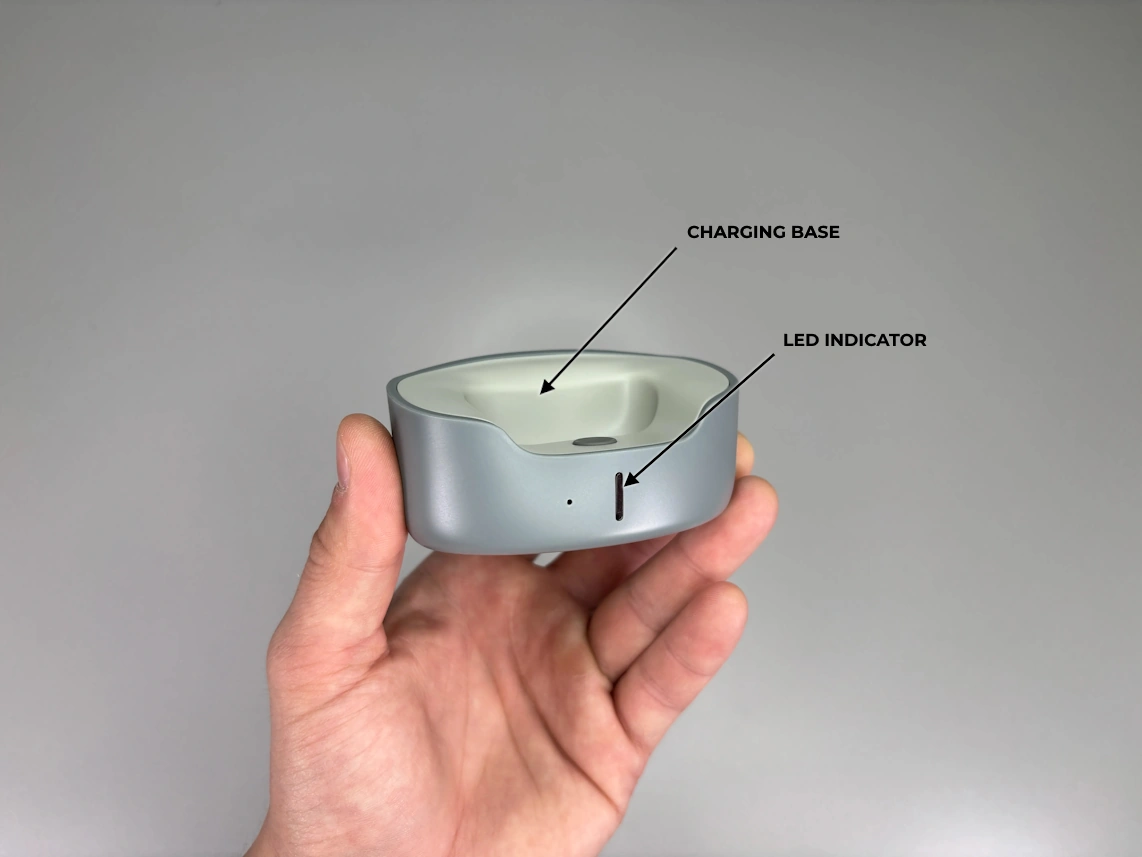
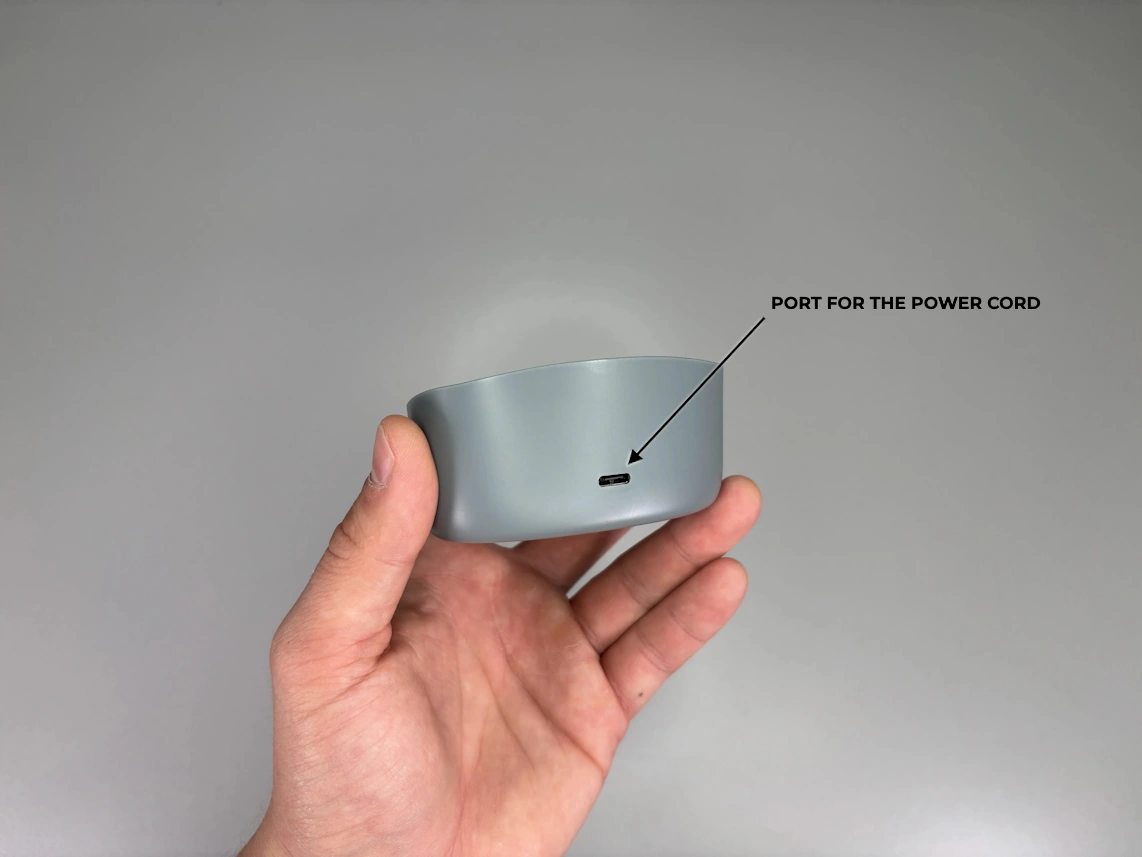
- • Take the provided power cord and plug the smaller end into the charging base and the larger end into the power adapter. Plug the power adapter into an electrical wall outlet that is not controlled by a light switch.
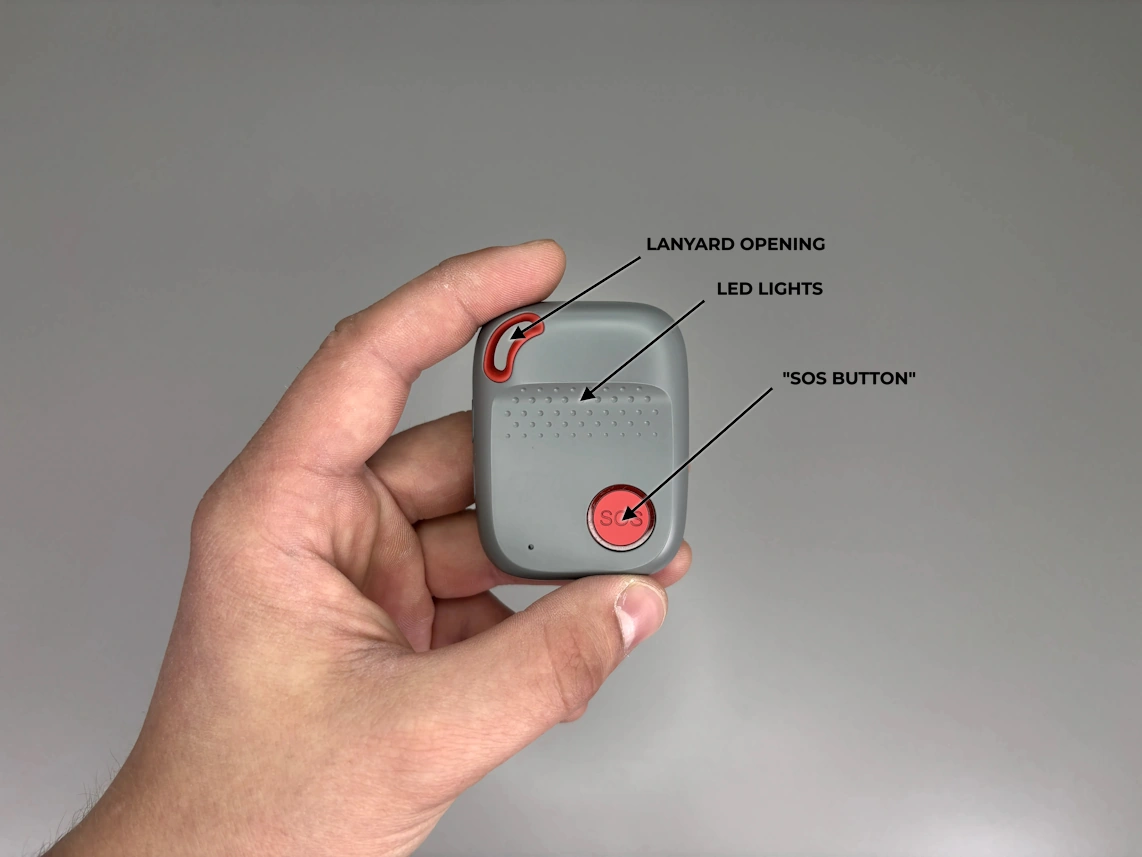
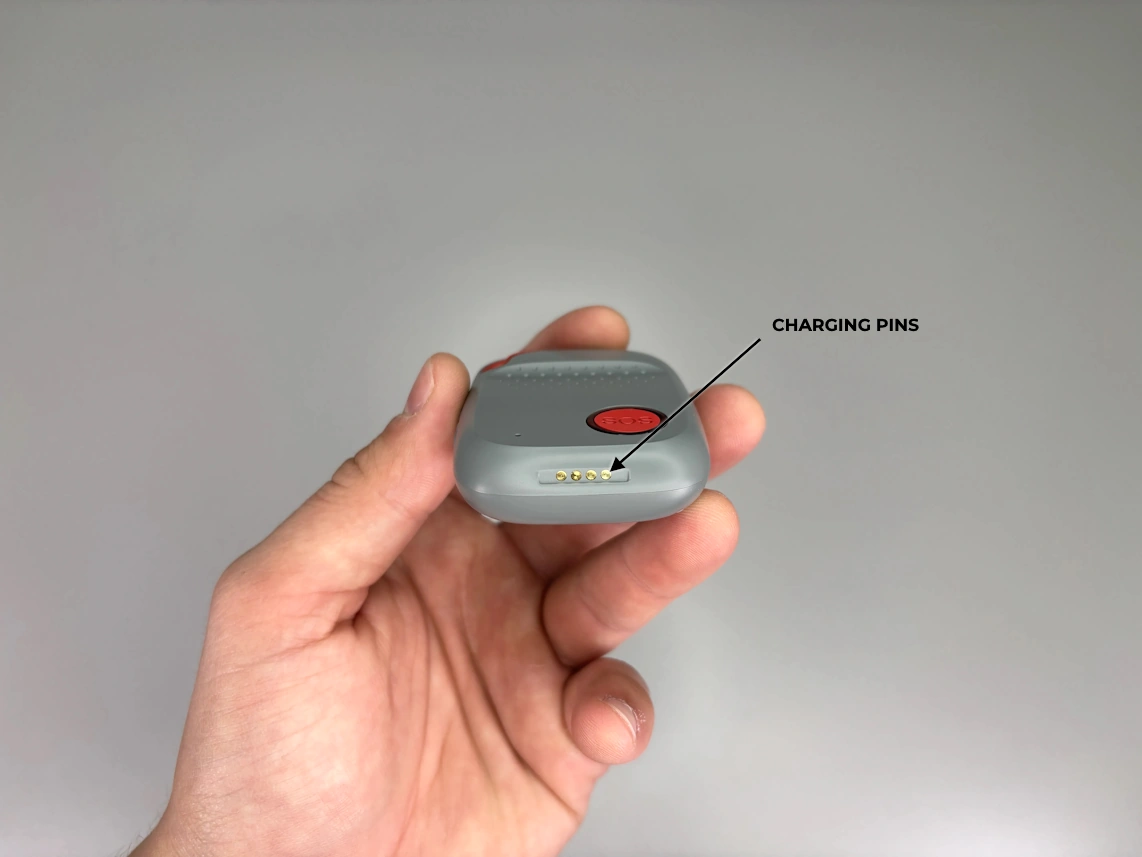
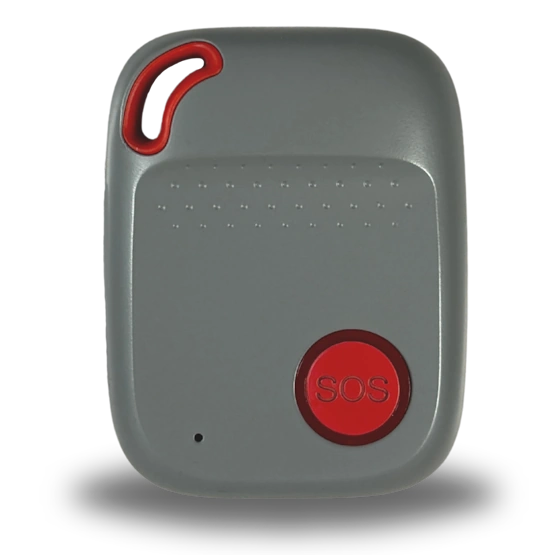
- • Place the pendant into the charging base. Ensure the pendant is facing the correct direction and not upside down (refer to the setup video and photos), as it will only charge in the proper position. The light on your charging base will glow when the pendant is charging, and the pendant's LED light will flash rapidly to confirm it is activating.
Before the first use, we recommend fully charging your pendant for 4 hours.
2. Testing
- • Once your pendant is fully charged, it is time to test it. Press and hold the SOS button for 1 to 2 seconds until the pendant says, “The SOS alarm has been activated.”
In an emergency, always use the button on your pendant, not the one on the charging base. The button on the charging base will not connect you to the monitoring center.
- • Once you are connected to a medical alert specialist, speak to them through the pendant's speaker and let them know you are testing your new medical alert device.
Please test your device at least once a month. The service number for your device is located on the bottom of your charging cradle.
1. Turning Your Device On
- • Premium Mobile Max will automatically turn on after the power cord is plugged into a standard wall outlet that is not controlled by a light switch, and the pendat is placed in the charging cradle.
- • Alternatively, press and hold the top button on the left side of the pendant for 1 second
2. Turning Your Device Off
- • Hold the call button and the top button on the left side of the pendant, until the LED light turn off. Release both buttons. Device will turn off completely within 30 seconds.
3. Placing A Call
- • Press and hold the call button for 2-3 seconds.
- • Listen for the alert tone, followed by the announcement, “SOS Alarm Has Been Activated”
- • The Response Team will answer and notify emergency services to come help you.
4. Cancelling A Call
Wait until an operator comes on the line and let them know everything is okay.
5. Wearing Options
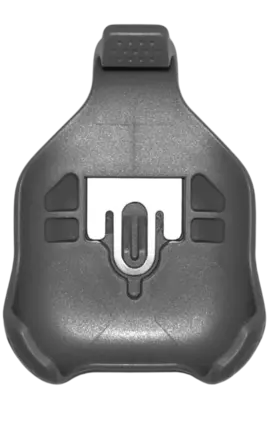
- • Belt Clip: To attach the pendant to the belt clip, place the bottom of the pendant into the bottom of the belt clip, then press the top of the device into the belt clip until it clicks into place. Once done, attach the belt clip to your belt.
- • Lanyard: Hold the lanyard in one hand and the pendant in another. Find the lanyard opening at the top of the pendant. Locate the small string attached to the end of the lanyard and push it through the lanyard opening on the pendant. This movement is very similar to threading a needle. Hold the opposite end of the lanyard and loop it through the opening on the small string, pull it through to secure the lanyard on the device.
Although the Premium Mobile Max can be worn inside clothing, it may be difficult to reach the call button in an emergency. Talk to your health care provider regarding the most effective way to wear your device.
4G LTE Signal Indicator (Green Light)
| Cellular Indicator | Signal Strength |
|---|---|
| Slow Flashing | The Device is connected to the network |
| OFF | The Device is off |
*A cellular signal may not be available in all areas.
Positioning Indication (Blue Light)
| Cellular Indicator | Signal Strength |
|---|---|
| Slow Flashing | Location acquired |
| OFF | Positioning failed |
Power Indication (Red Light)
| Battery Indicator | Status* |
|---|---|
| Rapid Flashing | Battery level below 20% |
| Slow Flashing | Charging |
| OFF | Battery level above 20% |
- • Your device requires adequate battery charge and cellular signal to make an emergency call.
- • Your device is splash proof and can be worn in the bath or shower.
- • Your device uses GPS technology to identify your location. In good conditions the product should provide a location that is accurate within 30 feet or less. However, performance of GPS can be affected by a wide range of factors including obstructions, metal objects in the vicinity, structures that block the signal from satellites, weather, and other factors.
- • Your device uses the cellular network to communicate. The device’s location, network provider service availability, and other issues may disrupt communications.
- • Pendant lanyards are designed to breakaway under certain conditions; however, any cord worn around the neck can pose a risk of strangulation, including the possibility of serious injury or death.
- • Charge your device daily! Test your system monthly!
- • Please notify us if there are any changes to your address, phone number or emergency contacts.