



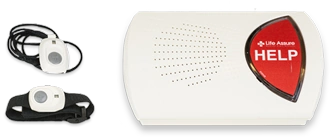
Mobile Support
Setup And Support Videos
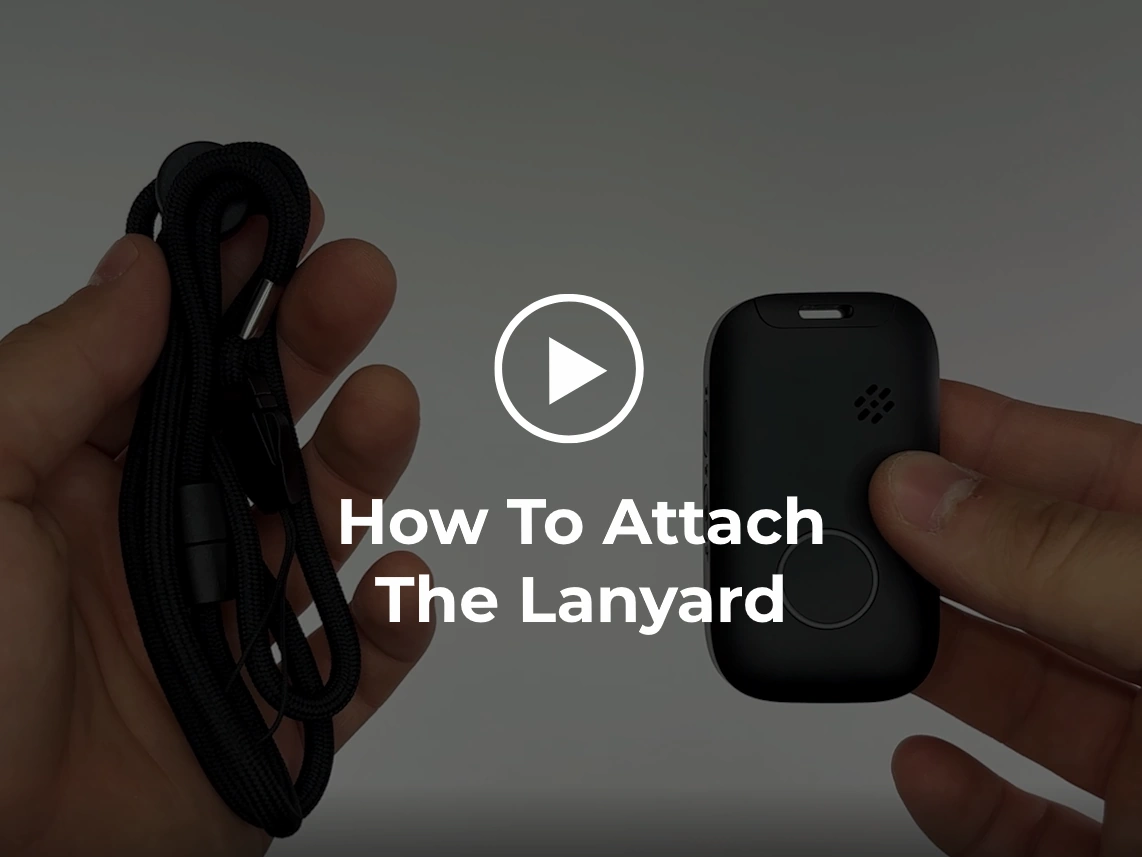 How To Attach The Lanyard
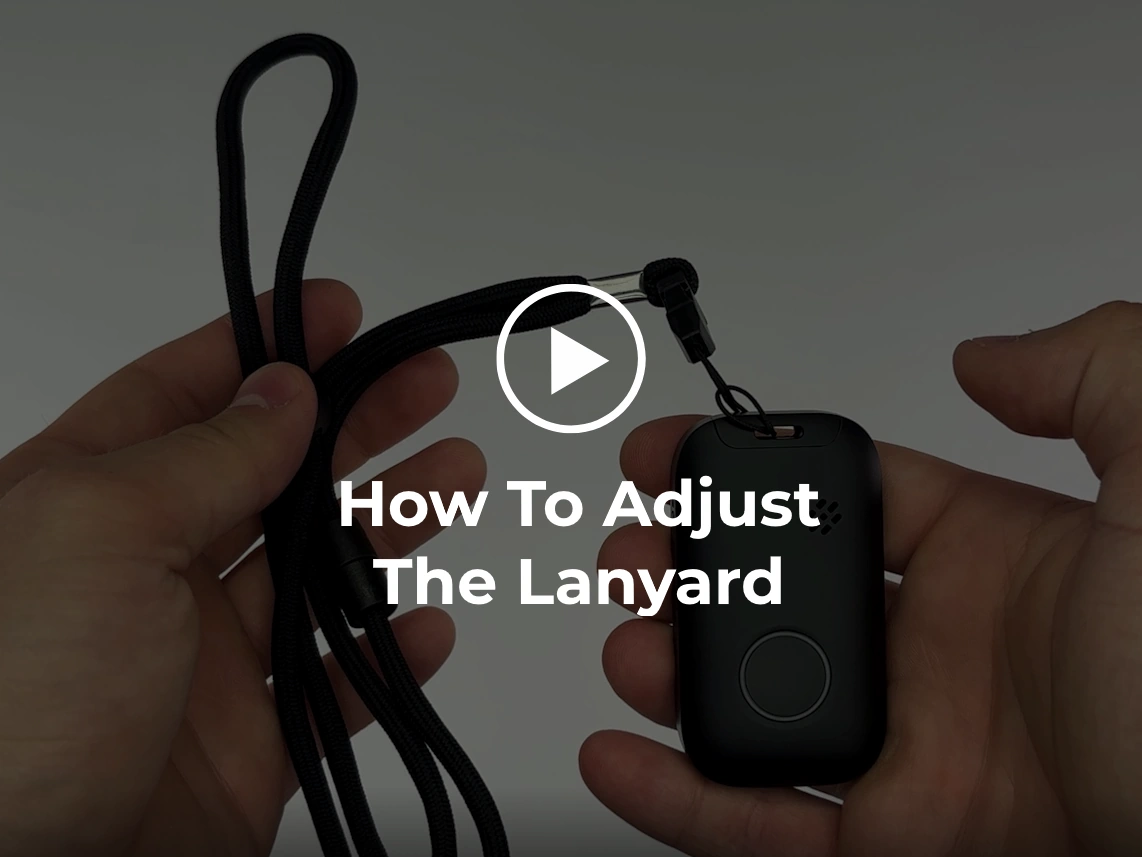 How To Adjust The Lanyard
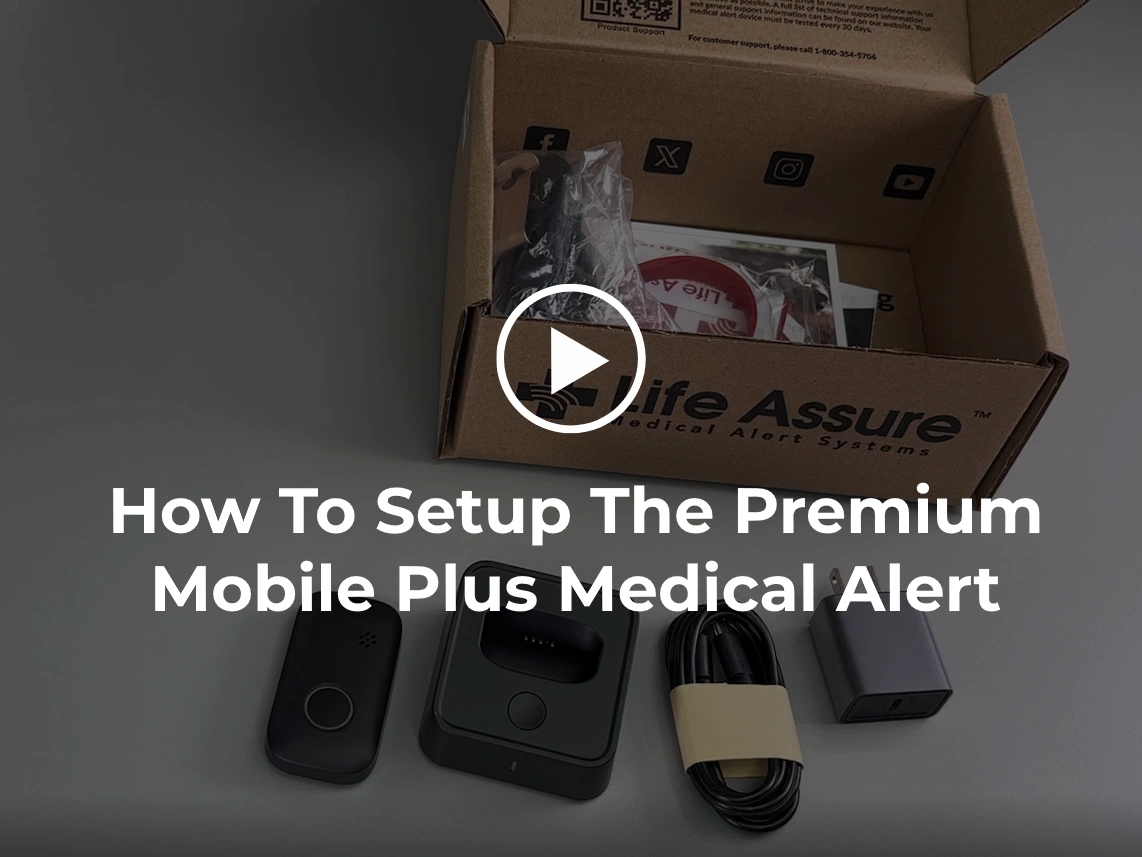 How To Setup The Premium Mobile Plus Medical Alert
Find A Solution
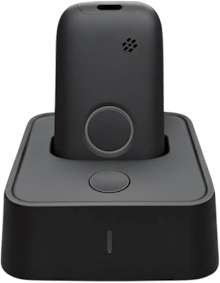
1. Initial Setup
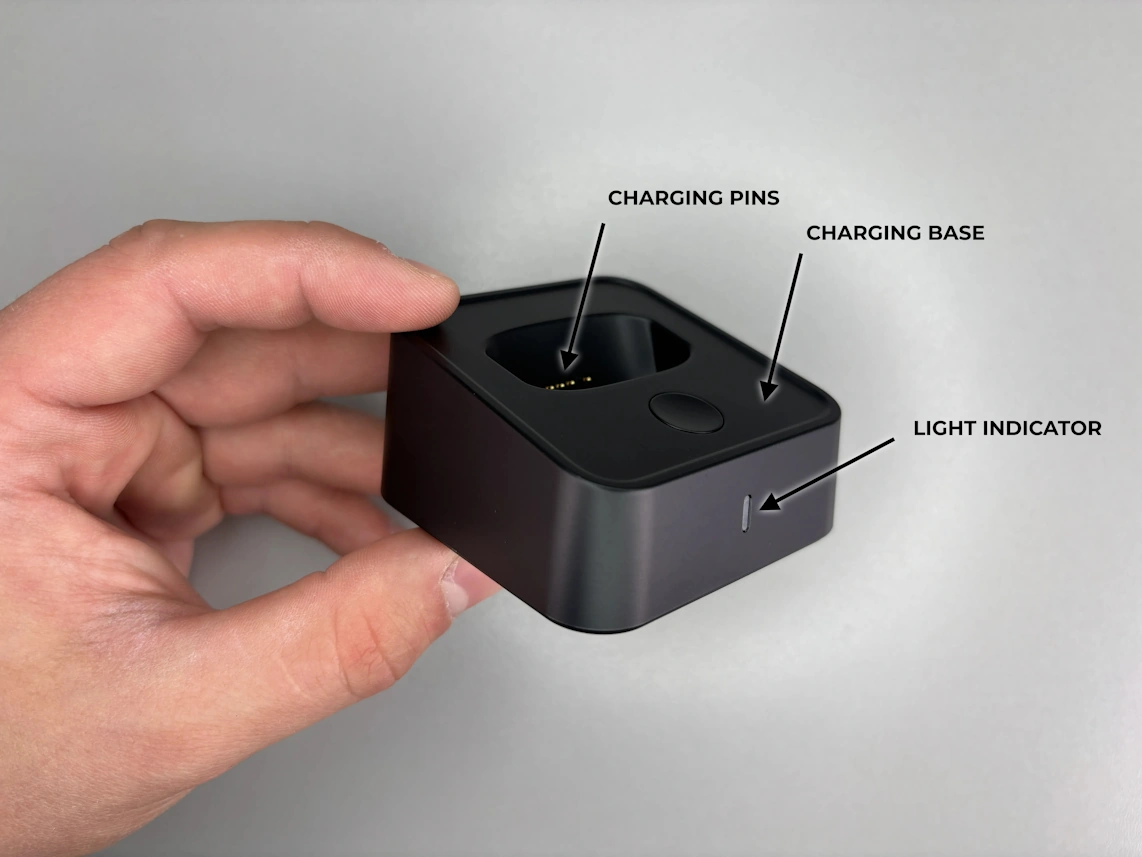
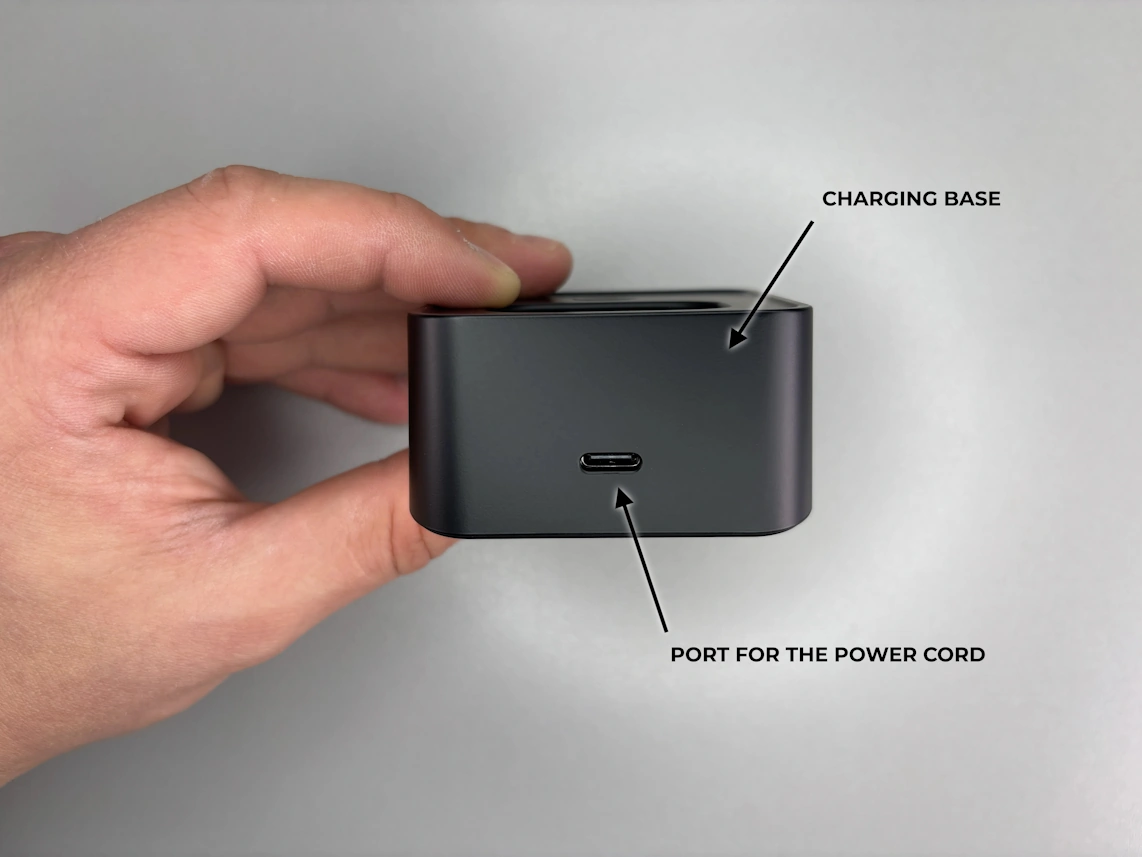
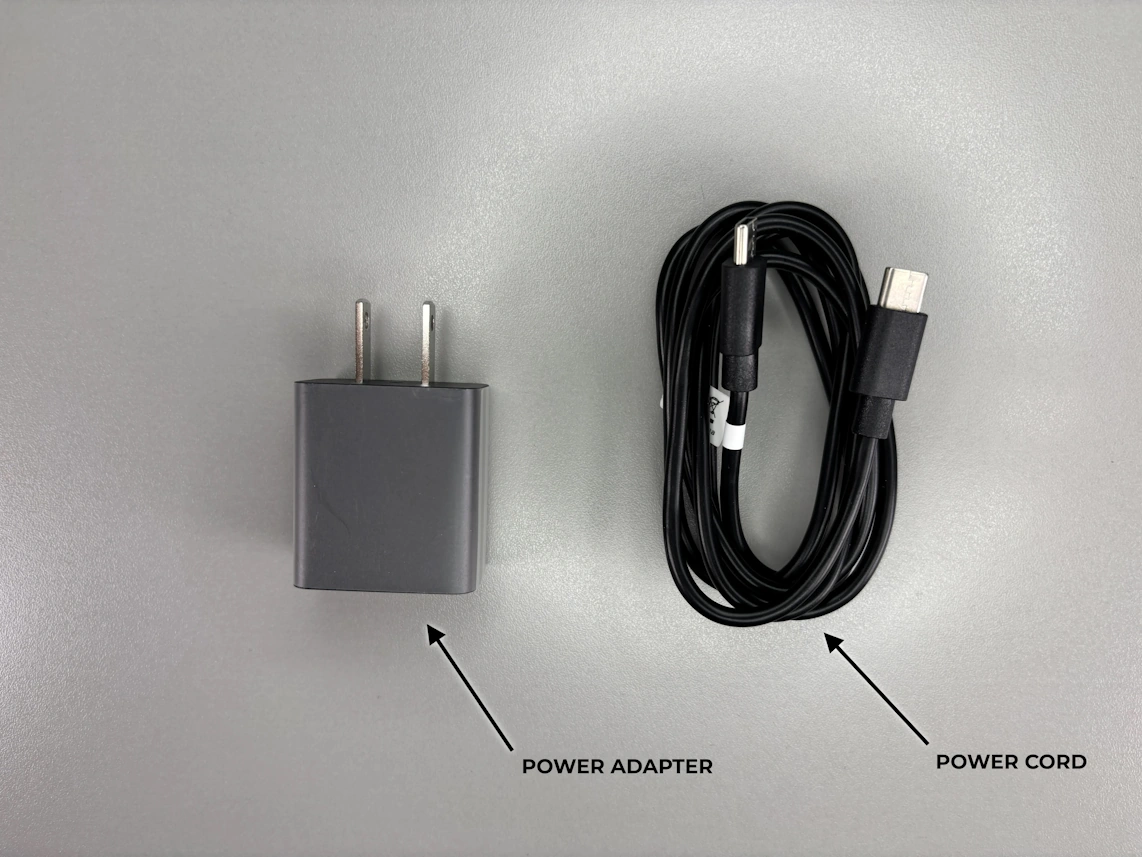
- • Take the provided power cord and plug one end into the charging base and the other end into the power adapter. Plug the power adapter into an electrical wall outlet that is not controlled by a light switch.
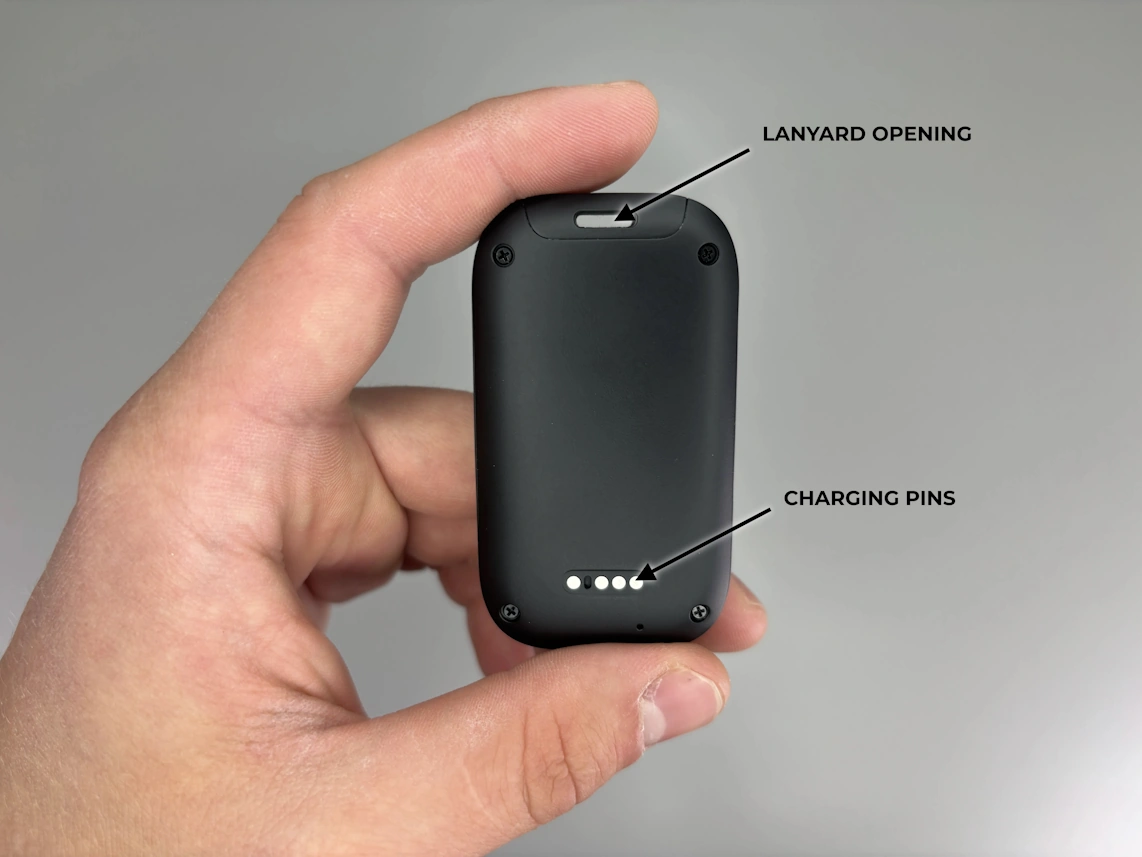
- • Place the pendant into the charging base. Ensure the pendant is facing the correct direction and not upside down (refer to the setup video and photos), as it will only charge in the proper position. The light on your charging base will glow when the pendant is charging, and the pendant's LED light will flash rapidly to confirm it is activating.
Before the first use, we recommend fully charging your pendant for 2 to 3 hours.
2. Testing
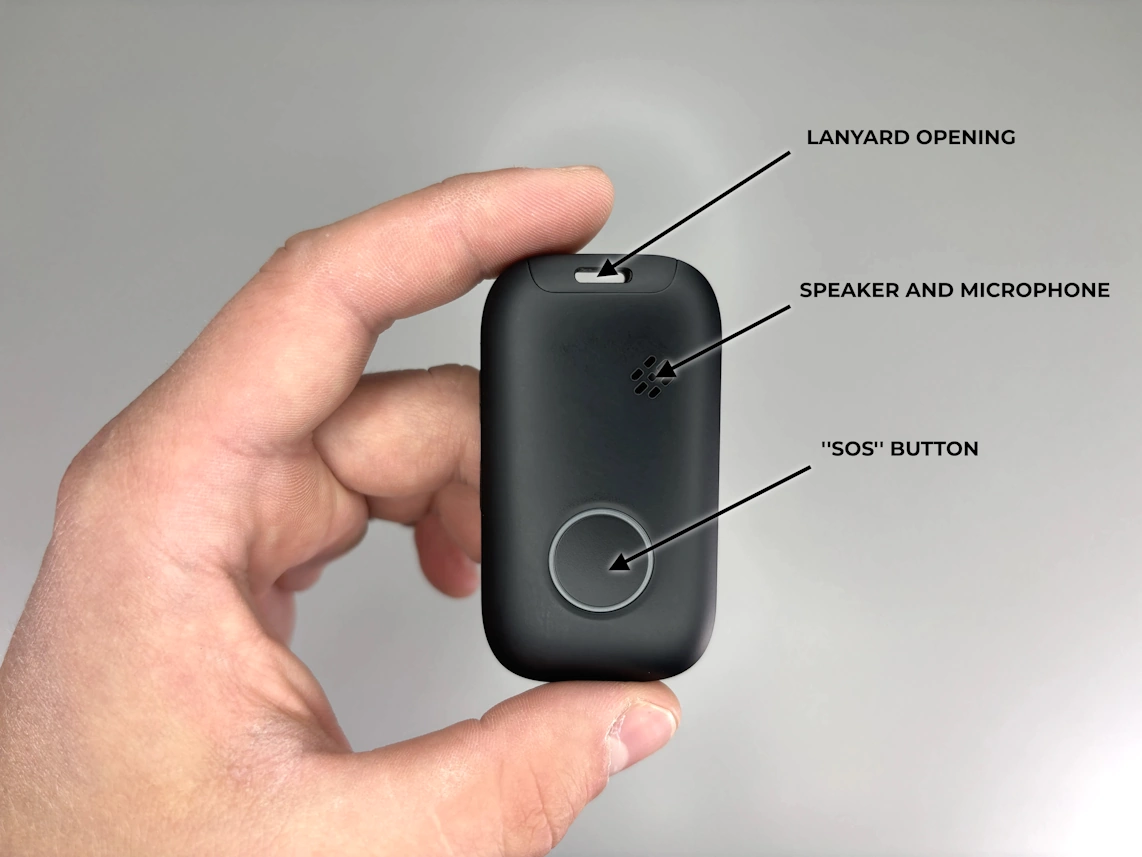
- • Once your pendant is fully charged, it is time to test it. Press and hold the SOS button for 1 to 2 seconds until the pendant says, “The SOS alarm has been activated.”
In an emergency, always use the button on your pendant, not the one on the charging base. The button on the charging base will not connect you to the monitoring center.
- • Once you are connected to a medical alert specialist, speak to them through the pendant's speaker and let them know you are testing your new medical alert device.
Please test your device at least once a month. The service number for your device is located on the bottom of your charging cradle.
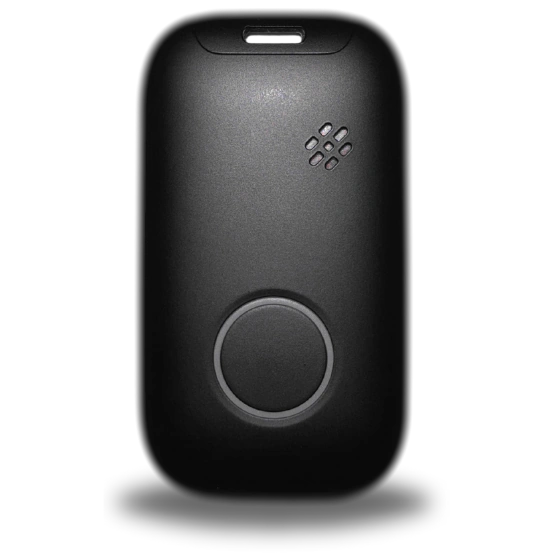
1. Turning Your Device On
- • Premium Mobile Plus will automatically turn on after the power cord is plugged into a standard wall outlet that is not controlled by a light switch, and the pendat is placed in the charging cradle.
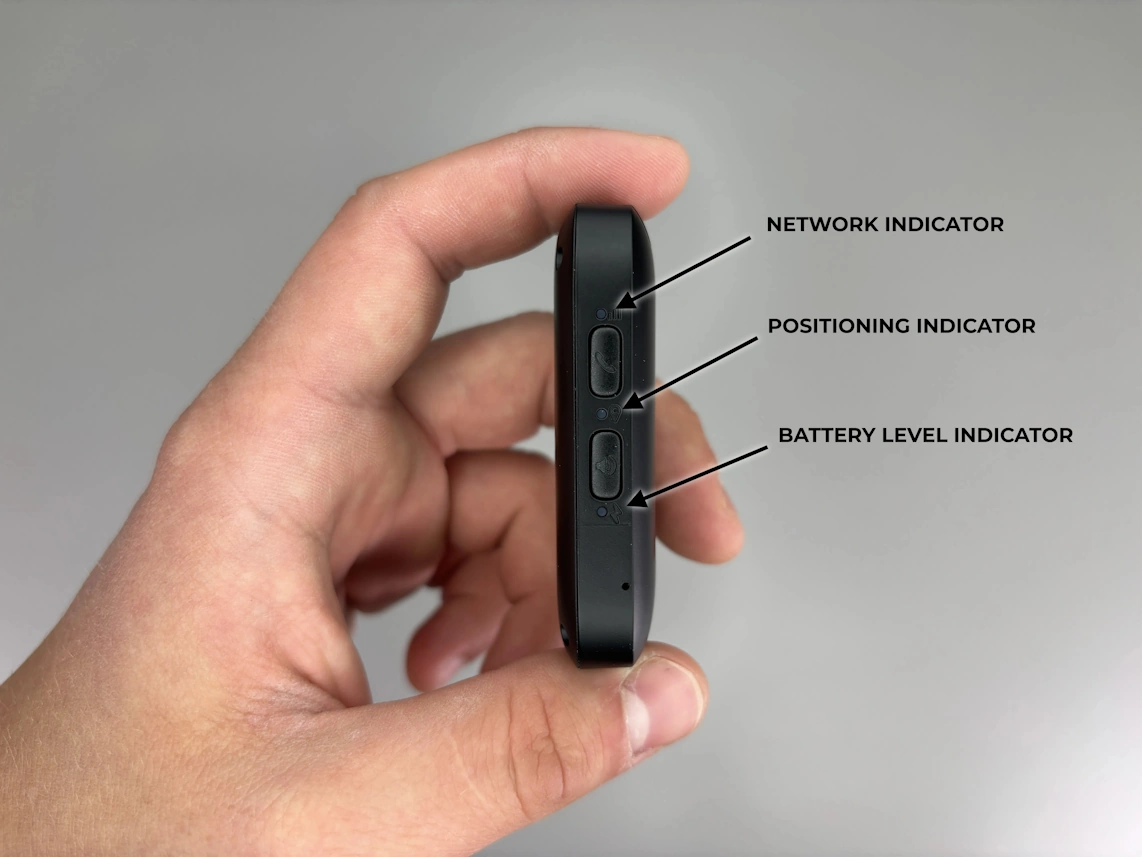
- • Alternatively, press and hold the top button on the left side of the pendant for 1 second.
2. Turning Your Device Off
Hold the call button and the top button on the left side of the pendant, until you feel 4 vibrations in the row. Release both buttons. Device will turn off completely within 30 seconds.
3. Placing A Call
- • Press and hold the call button for 2-3 seconds.
- • Listen for the alert tone, followed by the announcement, “SOS Alarm Has Been Activated”
- • The Response Team will answer and notify emergency services to come help you.
4. Cancelling A Call
Wait until an operator comes on the line and let them know everything is okay.
5. Wearing Options
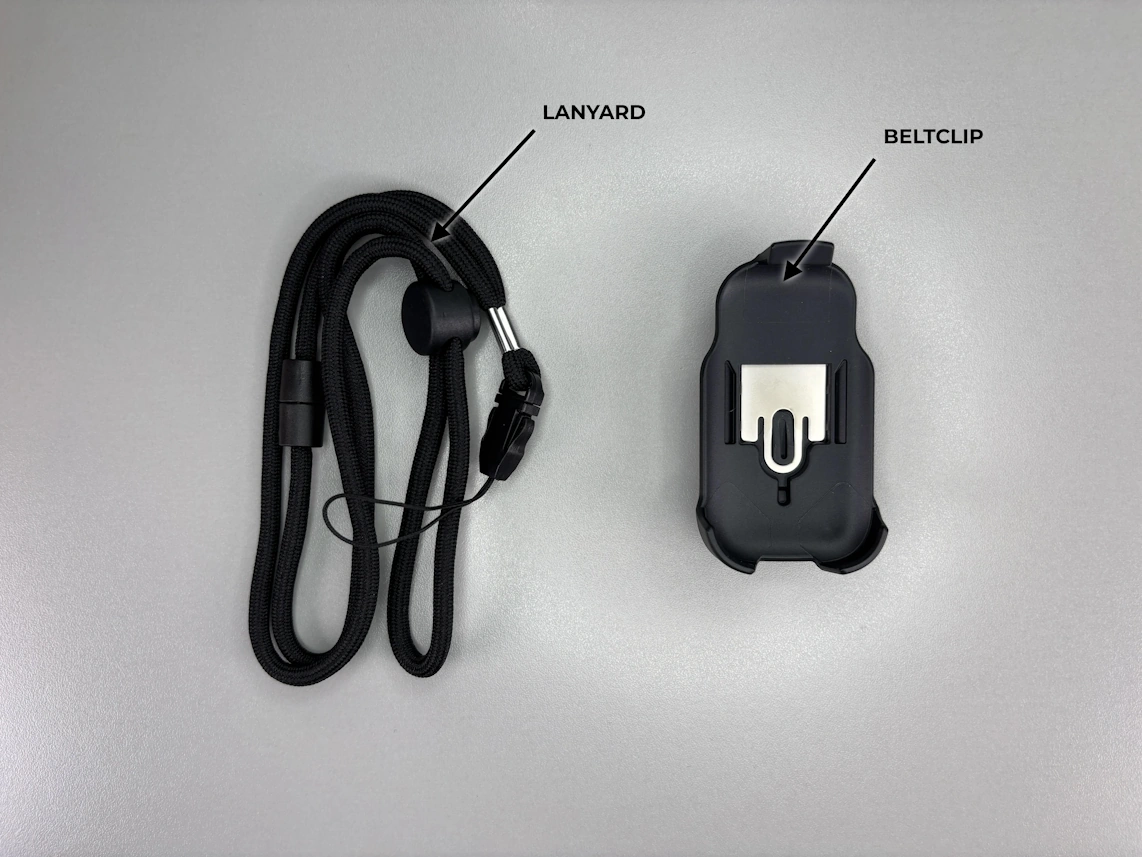
- • Belt Clip: To attach the pendant to the belt clip, place the bottom of the pendant into the bottom of the belt clip, then press the top of the device into the belt clip until it clicks into place. Once done, attach the belt clip to your belt.
- • Lanyard: Hold the lanyard in one hand and the pendant in another. Find the lanyard opening at the top of the pendant. Locate the small string attached to the end of the lanyard and push it through the lanyard opening on the pendant. This movement is very similar to threading a needle. Hold the opposite end of the lanyard and loop it through the opening on the small string, pull it through to secure the lanyard on the device.
Although the Premium Mobile Plus can be worn inside clothing, it may be difficult to reach the call button in an emergency. Talk to your health care provider regarding the most effective way to wear your device.
4G LTE Signal Indicator (Green Light)
| Cellular Indicator | Signal Strength |
|---|---|
| Slow Flashing | The Device is connected to the network |
| OFF | The Device is off |
*A cellular signal may not be available in all areas.
Positioning Indication (Blue Light)
| Cellular Indicator | Signal Strength |
|---|---|
| Slow Flashing | Location acquired |
| OFF | Positioning failed |
Power Indication (Red Light)
| Battery Indicator | Status* |
|---|---|
| Rapid Flashing | Battery level below 20% |
| Slow Flashing | Charging |
| OFF | Battery level above 20% |
- • The Premium Mobile Plus is water-resistant and is designed to be worn in the shower or the bath.
- • Service phone number for your Device is located on the bottom of your charging cradle.
- • For proper operation, Premium Mobile Plus requires adequate cellular coverage. Poor cellular coverage may result in the inability to place a call and detect a fall.
- • In an emergency, User should provide the response team with as much information as possible about his or her location.
- • Premium Mobile Plus is not a replacement for the User’s regular contact with caregivers or access to an alternative means of placing an emergency call.
- • While the fall detection system performs well, no such system is 100% reliable. If User experiences a fall that causes actual or potential injury, do not wait for the automatic call. User should always press the Call Button manually if able.
- • Premium Mobile Plus requires adequate battery charge for proper operation. Low battery may result in the inability to place a call, automatically detect a fall, and/or properly locate User during an emergency. Some falls may not be detected even with adequate battery charge and cellular signal.
- • Premium Mobile Plus utilizes both Global Positioning System (GPS) and other technology in order to find User’s current location. By activating the Premium Mobile Plus product, User agrees to allow Premium Mobile Plus and there affiliates to use this information to provide services to him or her in the case of an emergency response.
- • Premium Mobile Plus provides User’s location to a Response center in order to respond to an event requiring assistance. By activating the Premium Mobile Plus product, user agrees to allow Premium Mobile Plus to provide the response center with their location.
- • Premium Mobile Plus lanyards are designed to break apart under certain conditions; however, any cord worn around the neck can pose a risk of strangulation, including the possibility of serious injury or death.
- • Premium Mobile Plus does not provide medical advice. User should always consult his or her physician or other healthcare professional with questions regarding any medical or mental health condition or for specific guidance regarding nutrition or physical activity.
- • Charge your device daily! Test your system monthly!
- • Please notify us if there are any changes to your address, phone number or emergency contacts.